Workflow Zones
Bundle related web apps by project or role and launch them together in one click.
Group web apps into workflow Zones, tile them side by side, isolate multi-account logins, and automate cross-app tasks via Chrome-compatible MCP.
Bundle related web apps by project or role and launch them together in one click.
Keep issue trackers, dashboards, and docs visible at once inside one window.
Snap into clean splits or position and resize floating app cards however you like.
Built-in Chrome-compatible MCP lets your AI Agent operate web apps hands-free.
Run multiple logins of the exact same website simultaneously with zero cookie bleed.
Bind a distinct color theme to every Zone so multi-window setups stay unmistakable.
Blur sensitive panes with one click when working from cafes or open offices.
Sync Zone layouts across Mac and Windows, or share ready-made setups with teammates.
Organize scattered tabs into structured Zones — click once and every web app in your workflow opens in place.
Switch effortlessly between horizontal splits, vertical columns, and free-floating cards that remember their exact bounds.
Give any Zone or individual app card an independent storage partition — and shield private metrics on demand.
Turn on the local MCP server in one click and watch your AI Agent read, cross-check, and fill live web apps.
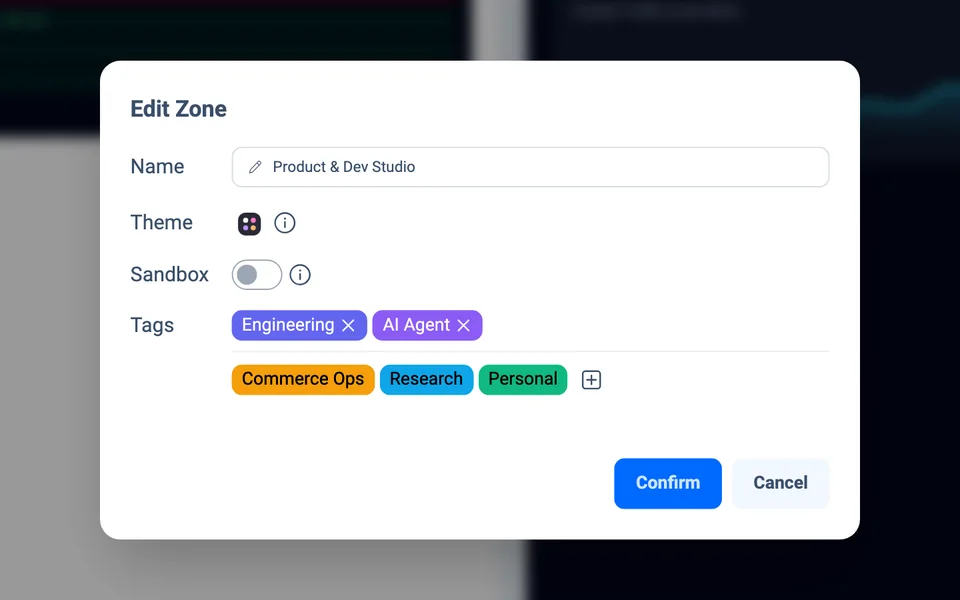
Assign custom color themes and tags so every Zone window is recognizable at a glance.
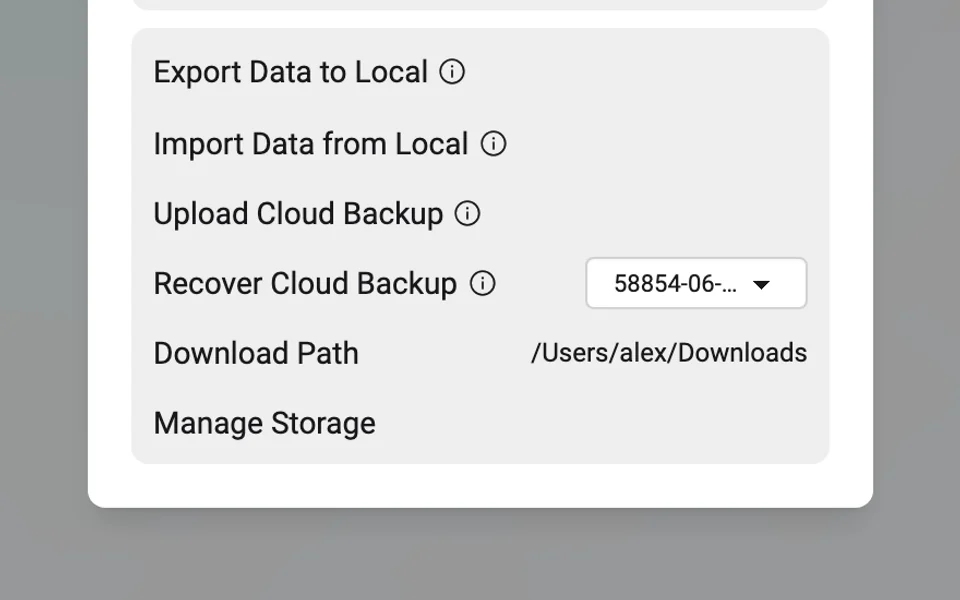
Back up Zone structures to the cloud or local files while cookies and passwords never leave your device.
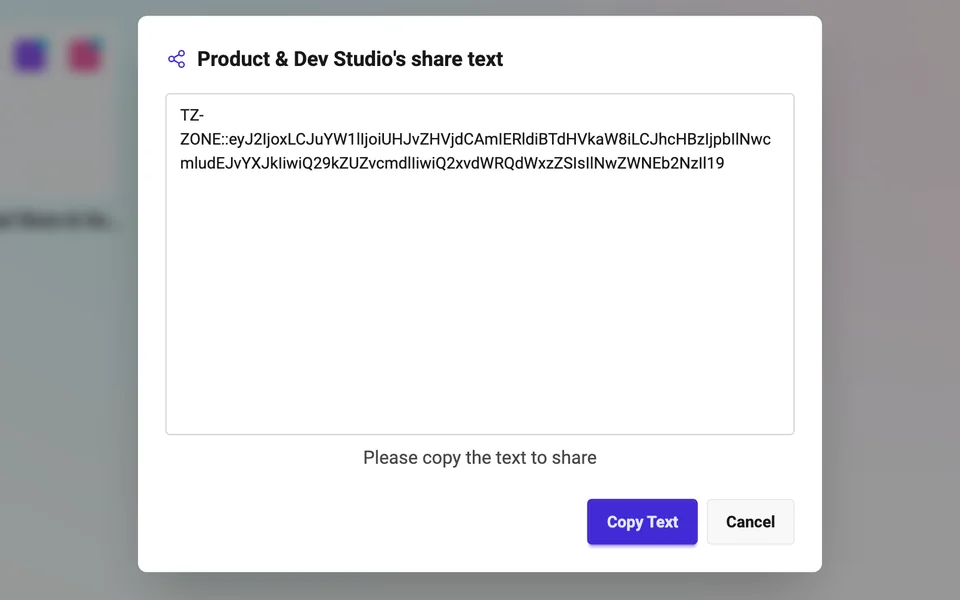
Copy a compact Zone share code so teammates can import your multi-app workflow in seconds.
Issue Tracker · PR Diffs · Live Telemetry
US Storefront · EU Storefront · Ad Console
Source Reader · AI Brief · Knowledge Base
Inbox · Calendar · Revenue · Support
Rather than a general-purpose browser, Tabzone is purpose-built as a dedicated desktop workspace for web apps. Traditional browsers get bogged down by sprawling tabs, history, and address bars; Tabzone strips away the clutter so your web apps feel like focused, native desktop tools.
Think of Tabzone as the companion to your default browser. Keep your regular browser for casual web searches and reading articles, and use Tabzone to house the daily web apps — issue trackers, dashboards, docs, storefronts, and inboxes — that run your work.
If you only manage a handful of web apps, the Local or Free plan has everything you need — including built-in MCP automation. If you rely on one-click split layouts, multi-account sandboxes, anti-peeping blur, custom Zone themes, or cloud backups across devices, PRO is built for you (and new accounts receive a 1-month free PRO trial).
Yes — 100%. Cloud backup and sync only store non-sensitive workspace metadata (such as Zone names, app URLs, and window coordinates). Your web app logins, cookies, and passwords never leave your local device.